
ERPNext: Enterprise Power Without Proprietary Lock-In
ERPNext is the world's leading open-source ERP platform. Built on the modern Python/MariaDB Frappe framework, it gives growing manufacturers, distributors, and commercial enterprises full software sovereignty without per-user licensing fees.
ERPNext Ecosystem Architecture
Python 3.12 / Frappe V16
The Core ERP Platform
100% open-source, full-stack ERP engine

Tookio Engineering & SLA Partner
Architecture, eTIMS V2, custom apps & Nairobi SLA
The 10 Core Functional Modules in ERPNext
A complete operational ecosystem covering every department from shop floor work centers to balance sheet consolidation.
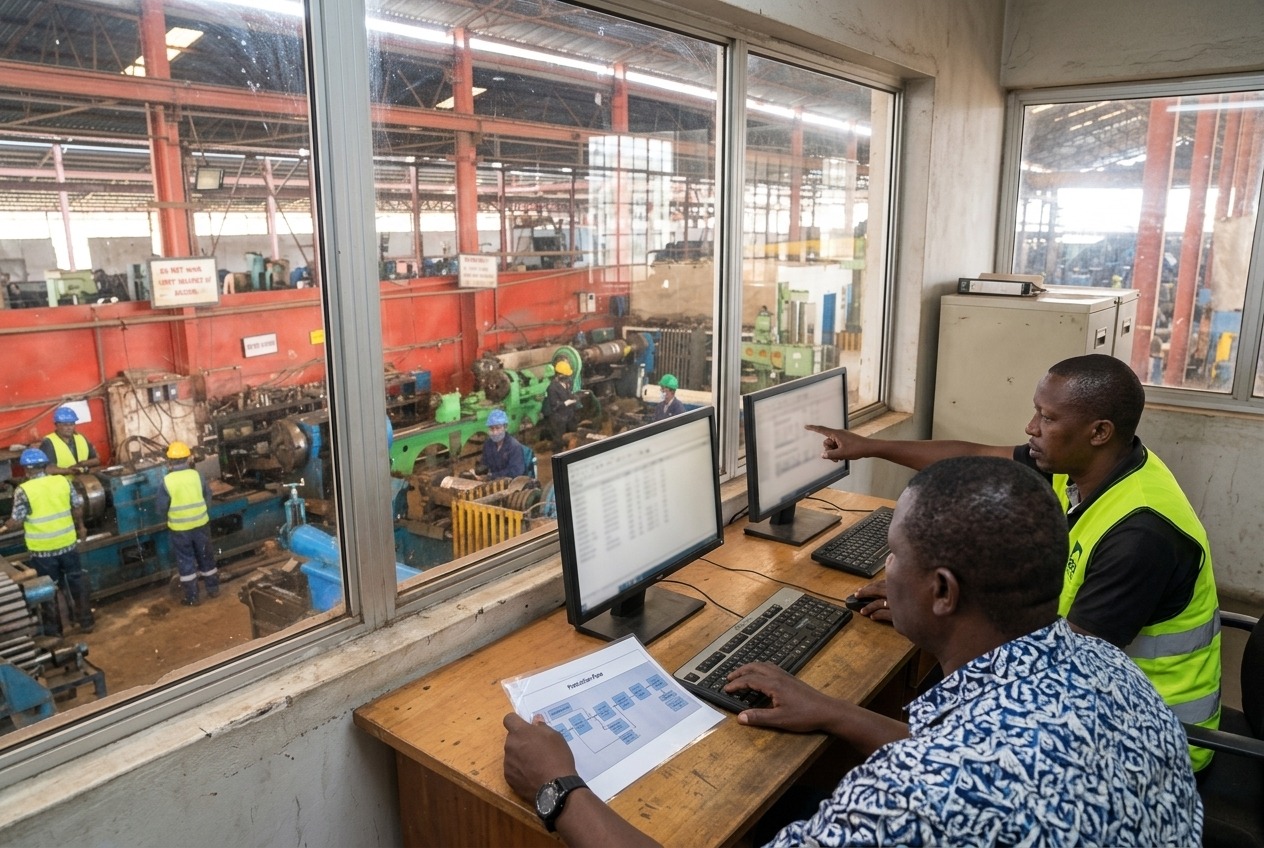
Native Workflow Engine & Operational Logic
ERPNext features a visual state machine and workflow builder that enforces organizational governance without hardcoded bottlenecks.
ERPNext vs Legacy Proprietary ERP Systems
Compare the total cost of ownership, flexibility, and architectural freedom of ERPNext against legacy proprietary ERP suites.
| Evaluation Criteria | ERPNext (Tookio) | SAP Business One | Microsoft Dynamics 365 |
|---|---|---|---|
| Per-User License Fees | $0 / Free & Open Source | $1,500 – $3,000 / user + 20% annual maint. | $70 – $210 / user / month recurring |
| Data & Source Sovereignty | 100% Owned (Private Cloud/On-Prem) | Proprietary Database / Vendor Locked | Microsoft Azure Cloud Locked |
| KRA eTIMS V2 Direct API | Native Built-in by Tookio | Costly 3rd-party middleware required | Costly 3rd-party middleware required |
| Custom App & API Extensibility | Python, REST & Frappe DocTypes | Complex SDK / Specialized consultants | Proprietary Power Platform licenses |
| Deployment Timelines | 4 – 8 Weeks Structured Rollout | 6 – 18 Months | 6 – 12 Months |